
开源地址:streamlit-g2
DEMO 地址:Live Demo
streamlit G2
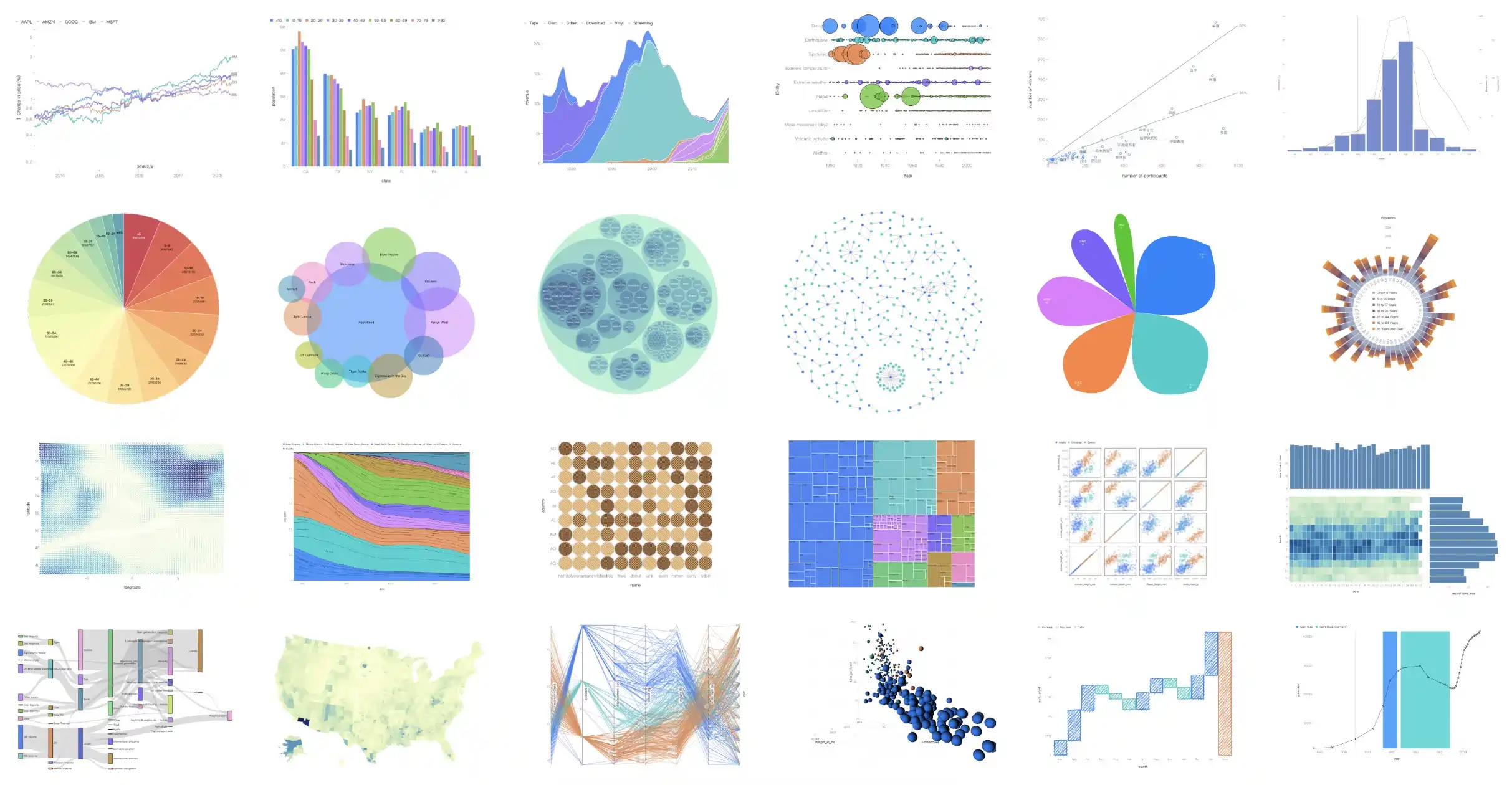
G2 is a visualization grammar for dashboard building, data exploration and storytelling.
This project was created to allow us to render G2 charts in streamlit. Live Demo.






Installation
pip install streamlit-g2
Usage
import streamlit as st
from streamlit_g2 import g2

options = {
    "type": "interval",
    "data": [
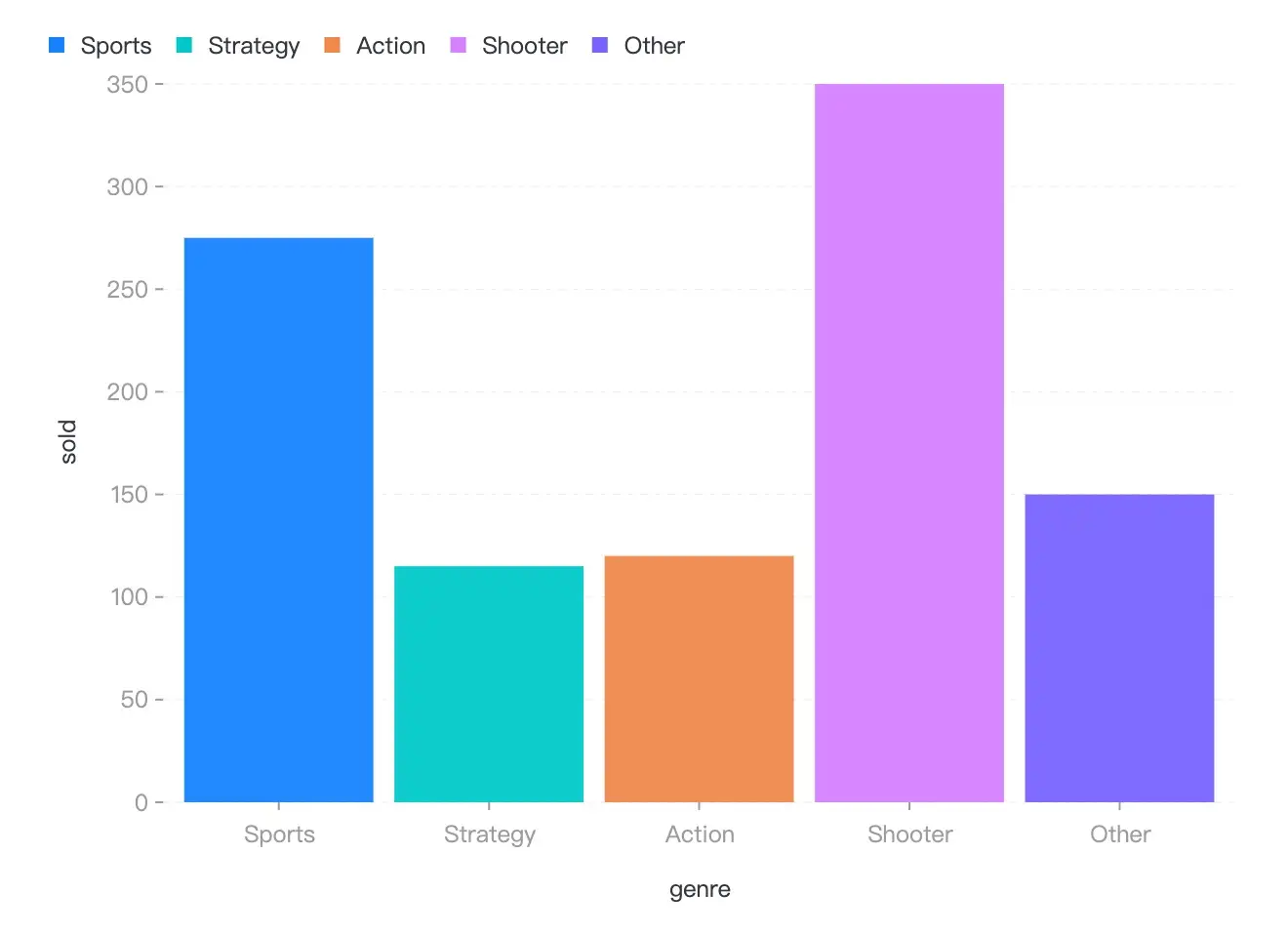
        { "genre": 'Sports', "sold": 275 },
        { "genre": 'Strategy', "sold": 115 },
        { "genre": 'Action', "sold": 120 },
        { "genre": 'Shooter', "sold": 350 },
        { "genre": 'Other', "sold": 150 },
    ],
    "encode": {
        "x": "genre",
        "y": "sold",
        "color": "genre",
    }
}

g2(options=options, style=None, key="streamlit_g2")
API
Now, There is only one API for streamlit-g2, named g2, see the options in G2 Spec API.
| Property | Description | Type | Default |
|---|---|---|---|
| options | the options for the visualization, say chart.options(options) |
G2options | null |
- |
| style | the style of the container | CSSProperties |
- |
Development
- Build frontend code by running
npm run buildin foldstreamlit_g2/frontend. - Run the example by running
streamlit run app.pyin root dir.
License
MIT@hustcc.
 Select Language